
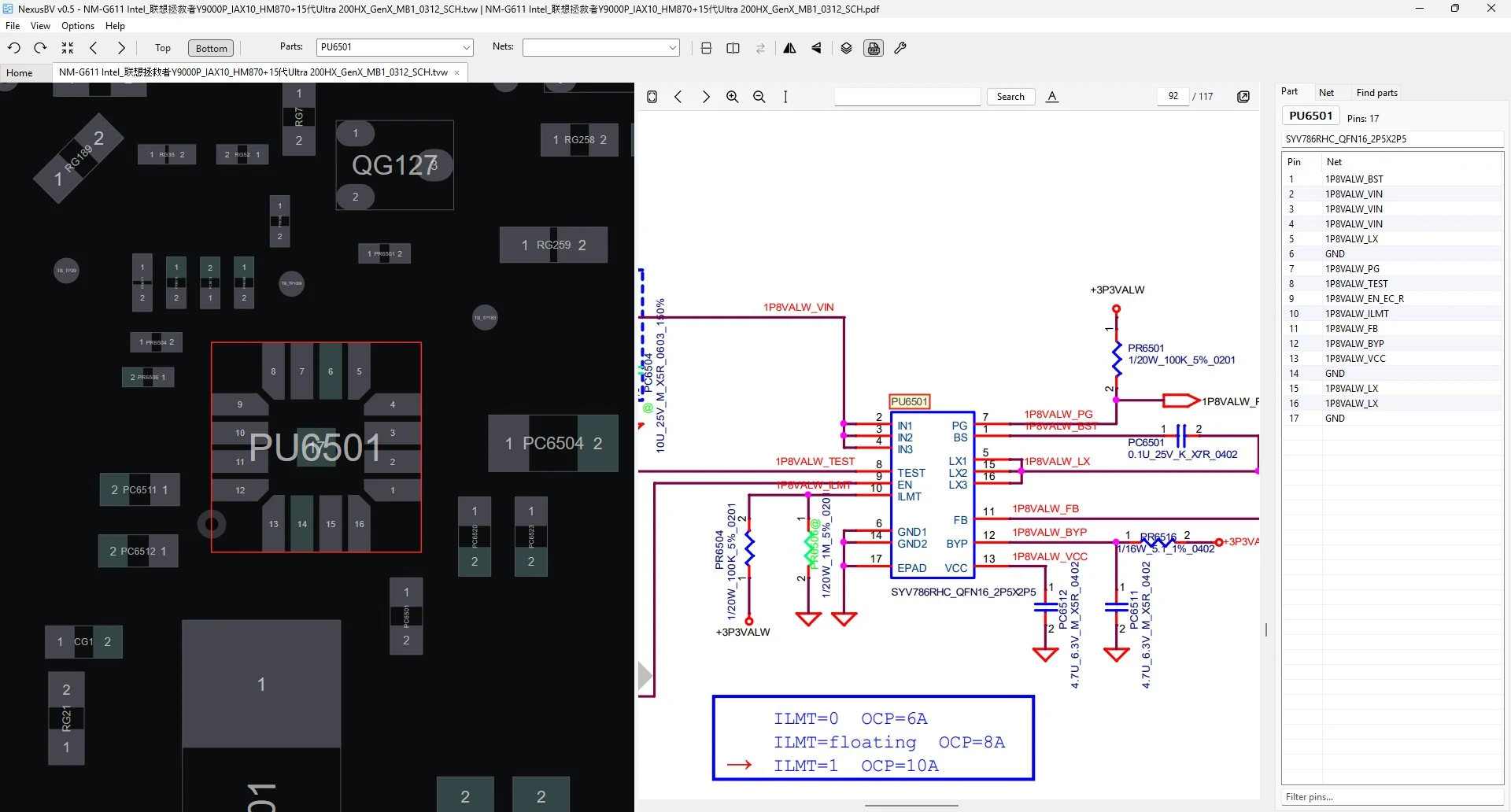
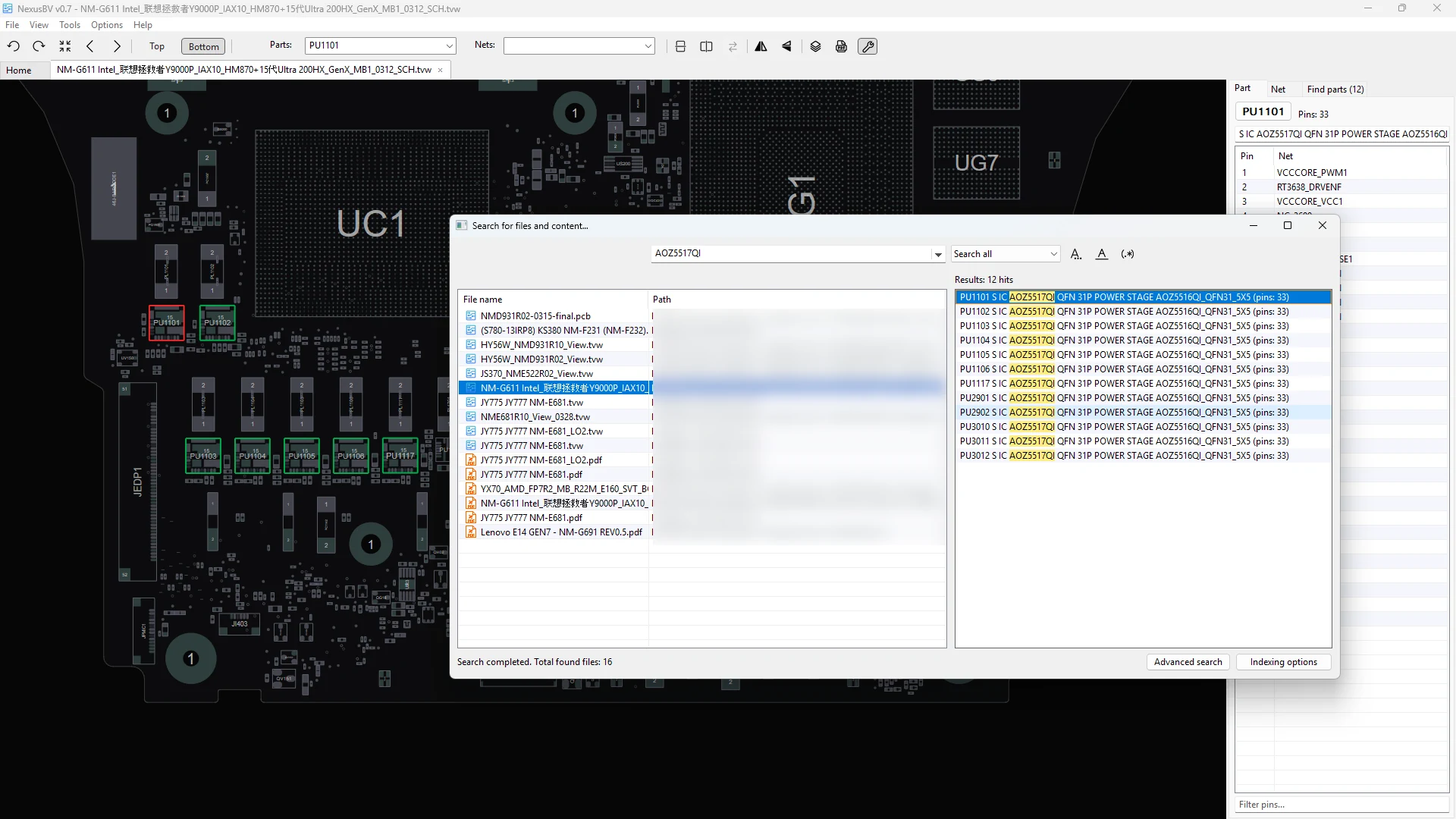
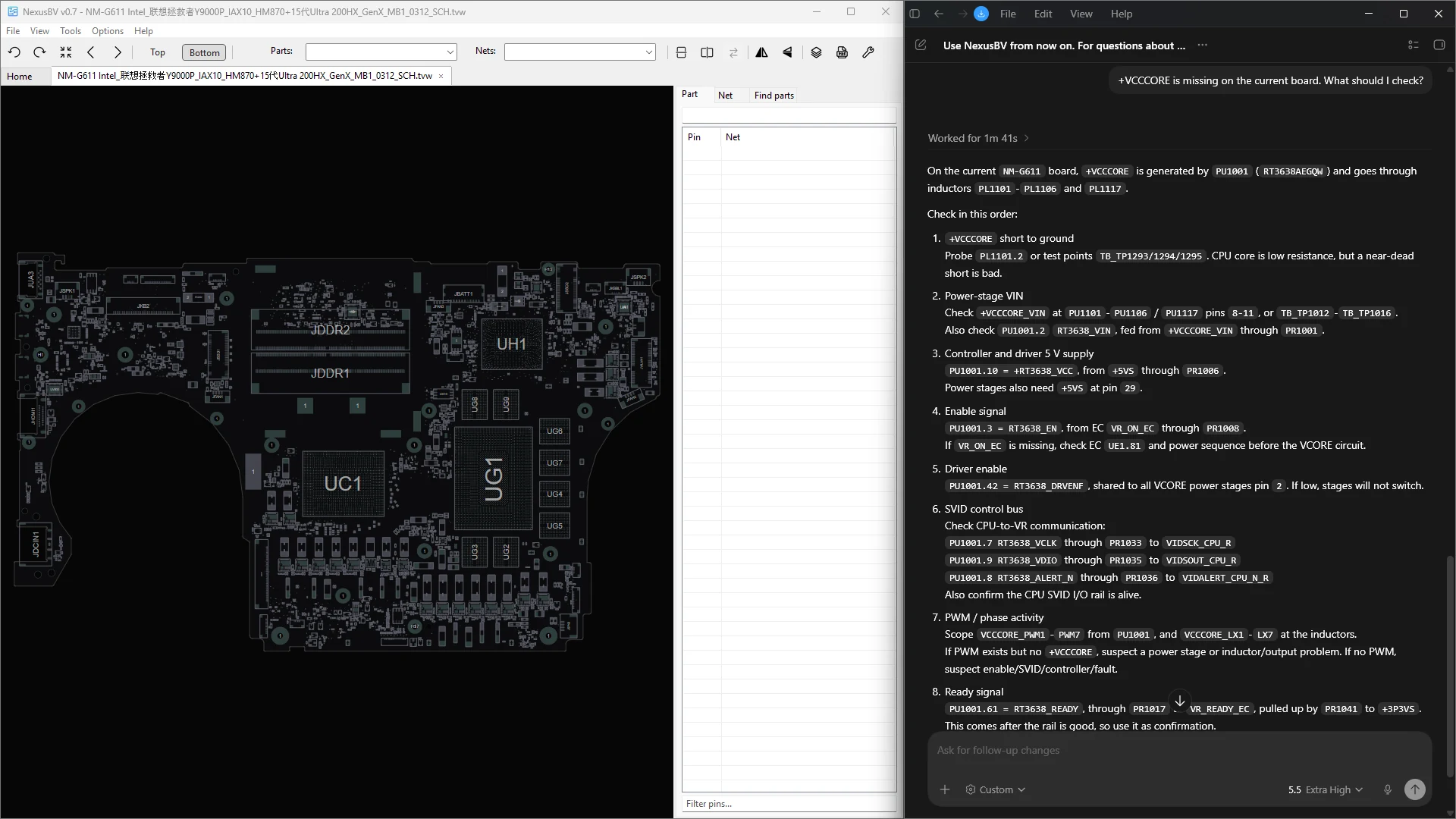
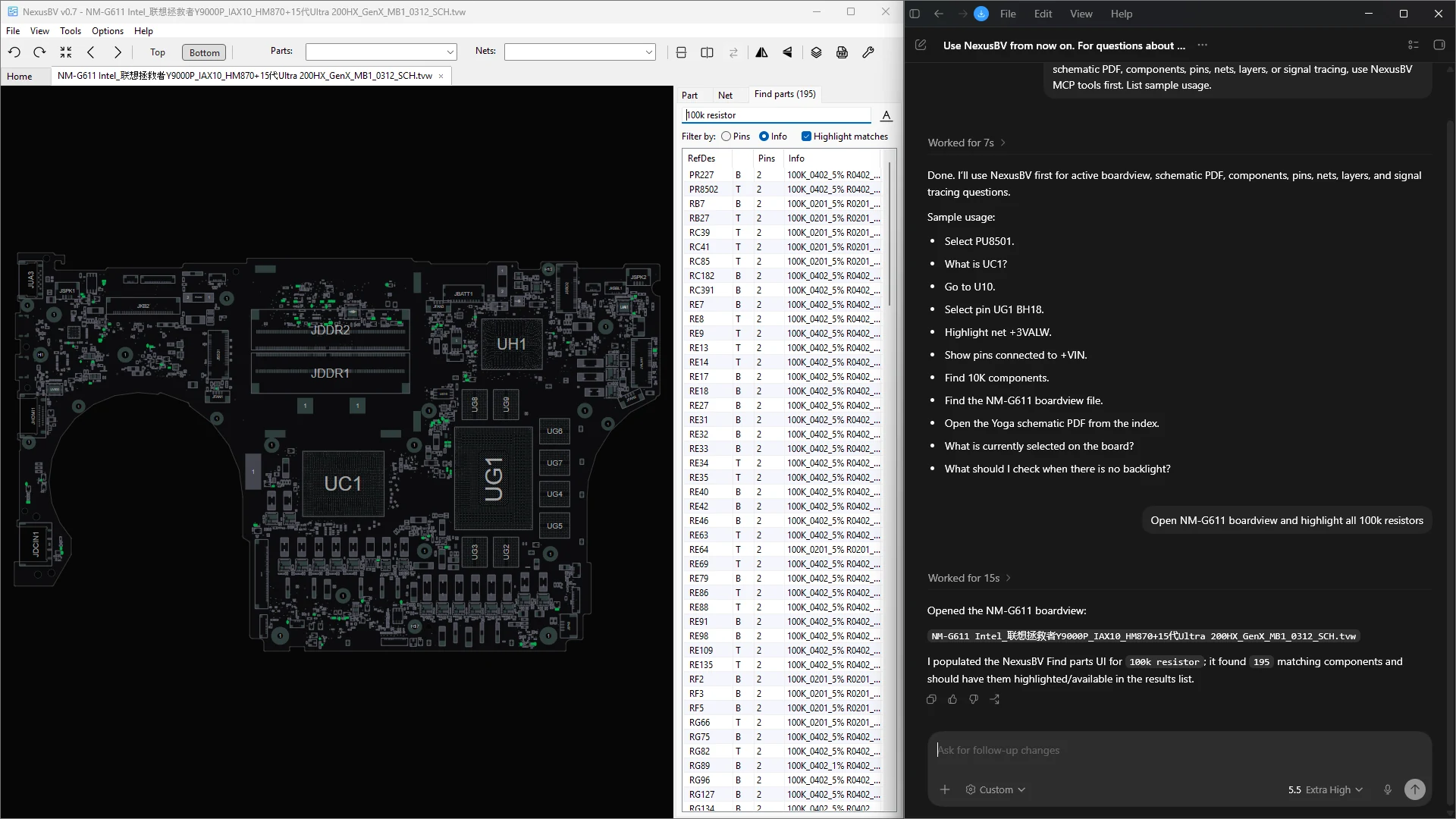
The boardviewer is capable of the following: it supports layers, dual mode view (2 independent views that allow you to work from both sides simultaneously), AI integration through MCP (you can interact with the boardviewer using your favorite AI!), indexed PDFs and boardviews search, signal tracing, full-fledged HiDPI support, tabs, board editor, key bindings editor, theme editor, notes, bookmarks, it also supports PDF (two-way navigation is possible: from the board to the PDF, and from the PDF to the board), it's fast, portable, it has familiar and intuitive UI and more. You have to try it yourself to discover all its possibilities 😊
For the time being, the project is under active development, so new features will be coming soon. The boardviewer is free, however please consider to make a donation if you found the software useful and would like to support the development of it.
Currently supported formats:
.A3P, .ASC, .BDV, .BRD (Toptest/Landrex/Mentor Neutral File/Allegro + layers), .BV, .BVR, .CAD (GenCAD, Fabmaster CAD), .CAE, .CST, .F2B, .FAZ, .FZ, .GR, .PCB (XZZPCB + layers), .TVW (+ layers)
For Allegro board files prior to version 16 (which are quite rare), a converter (dbdoctor) will be offered to download to convert older files to a newer format. Allegro versions 16–25 are supported natively.
Minimal OS: Win 10 x64/Win11 (Windows 7 is supported, but not actively maintained)


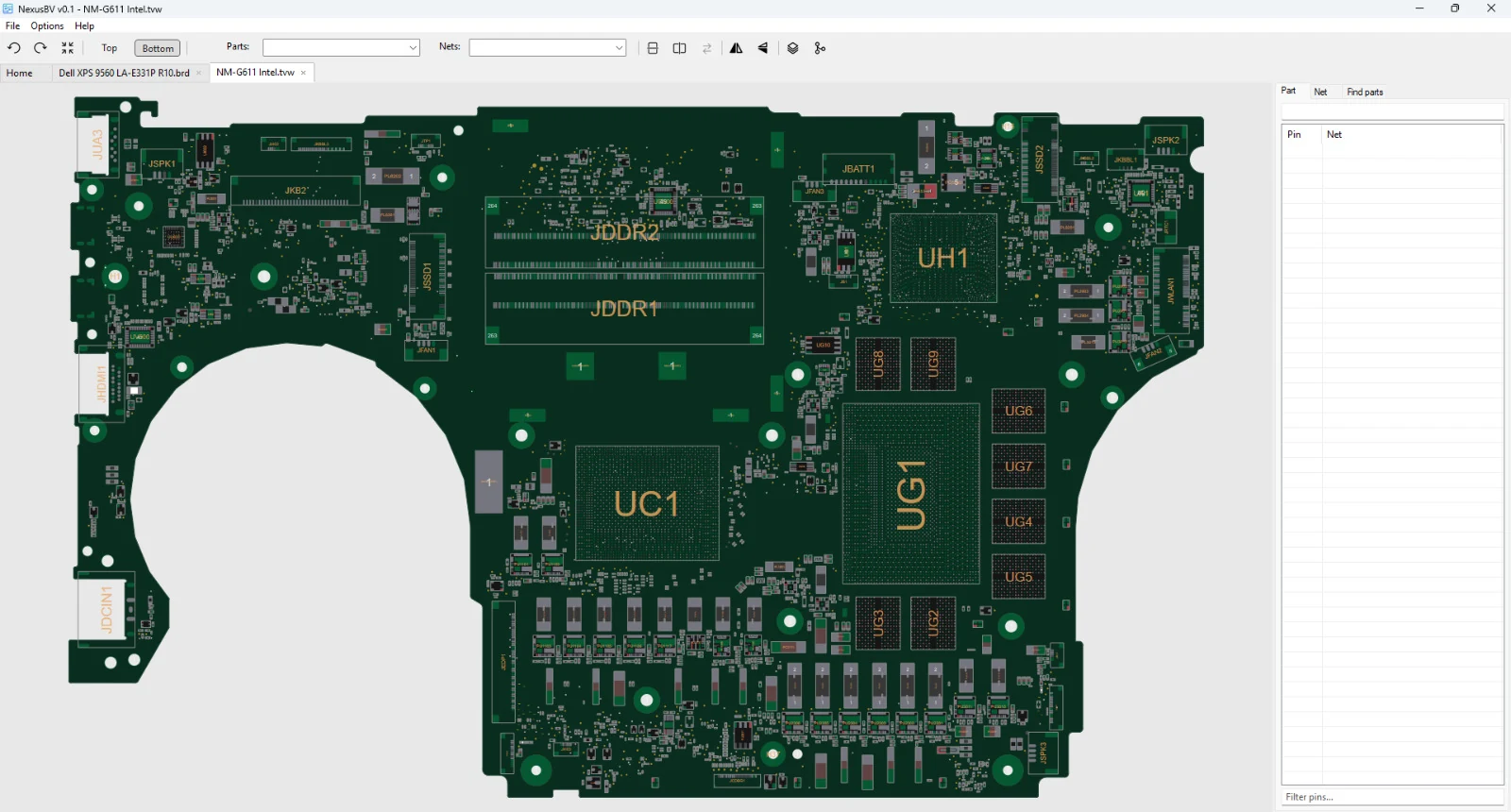
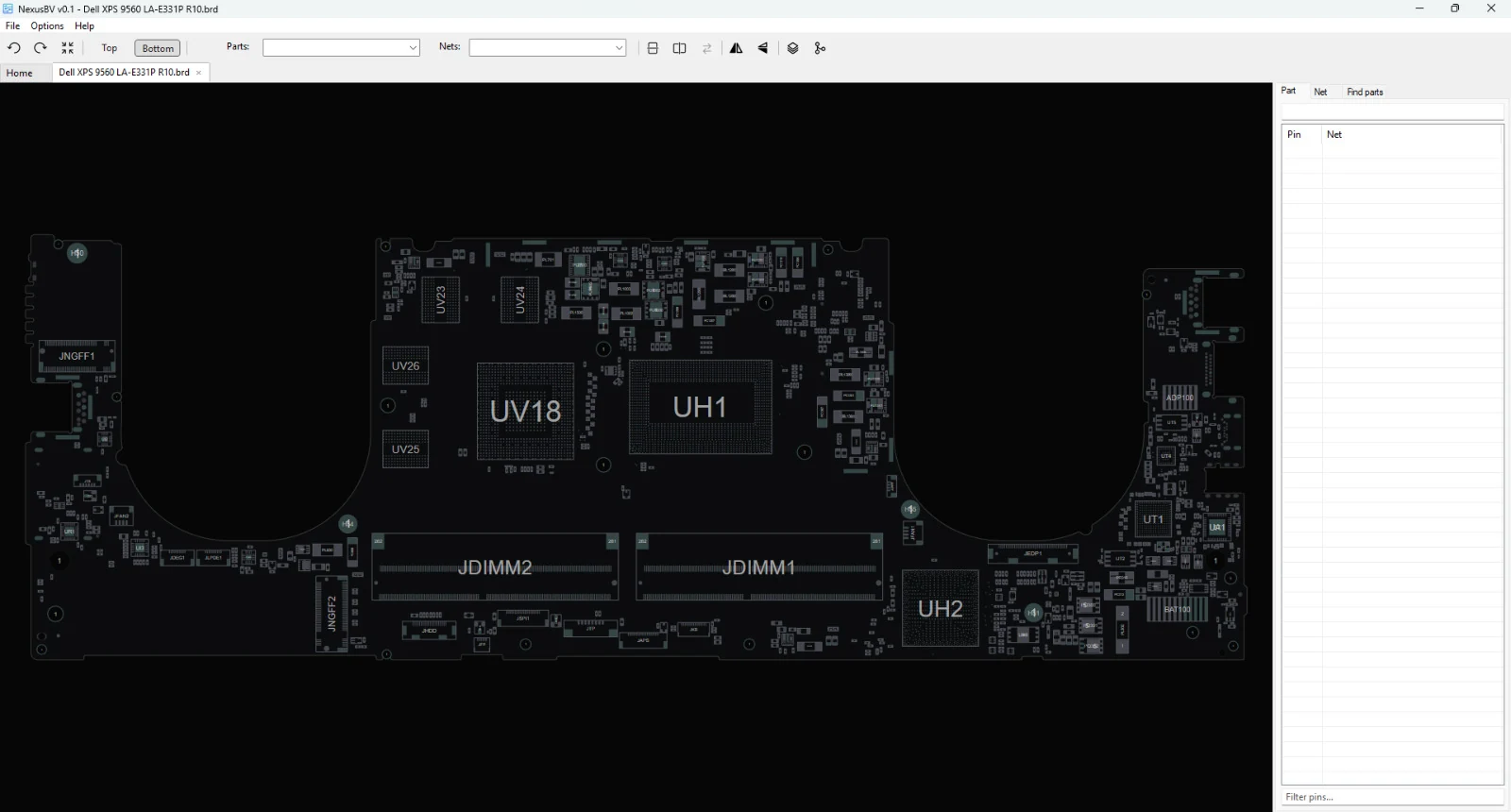
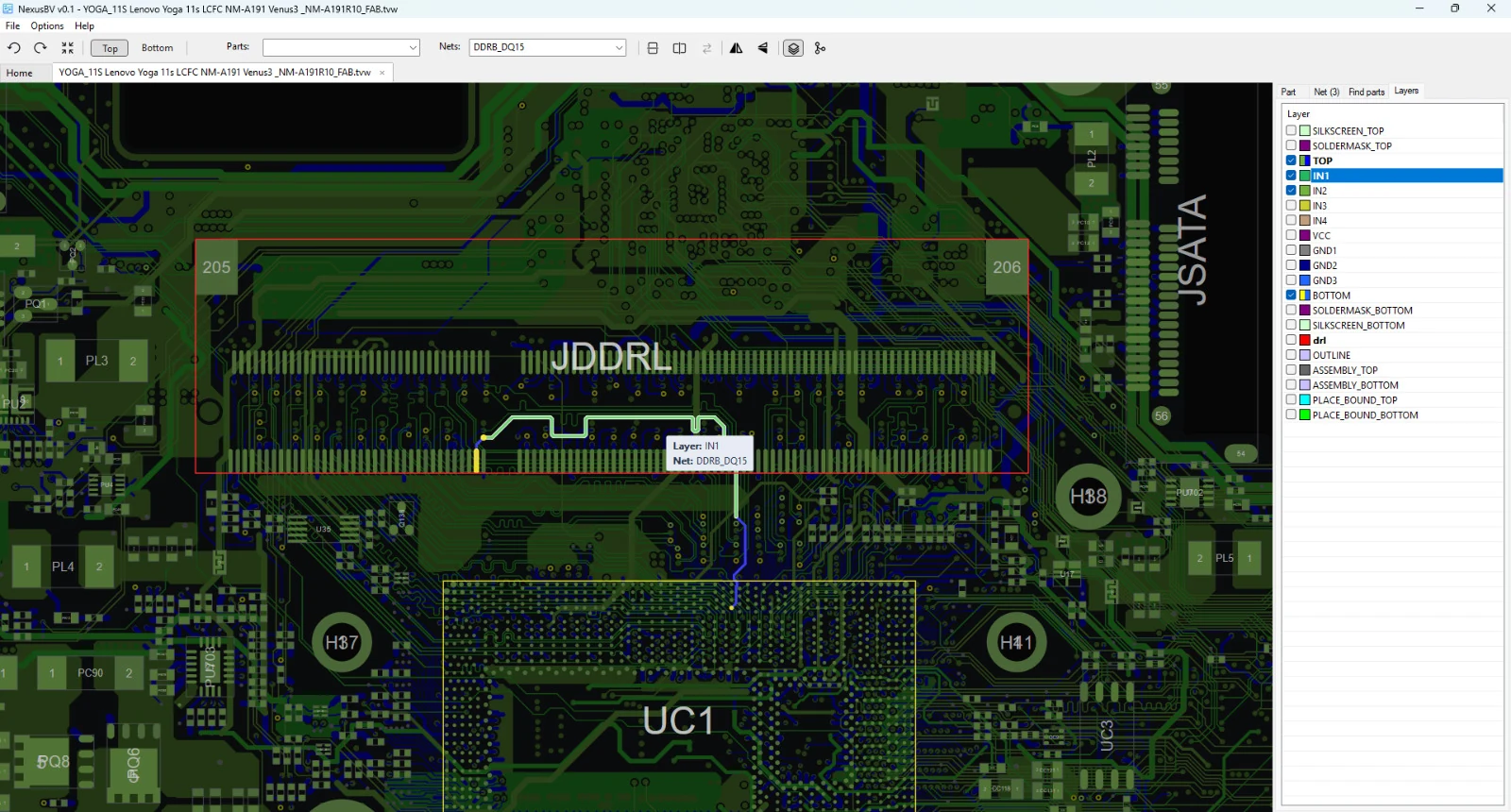
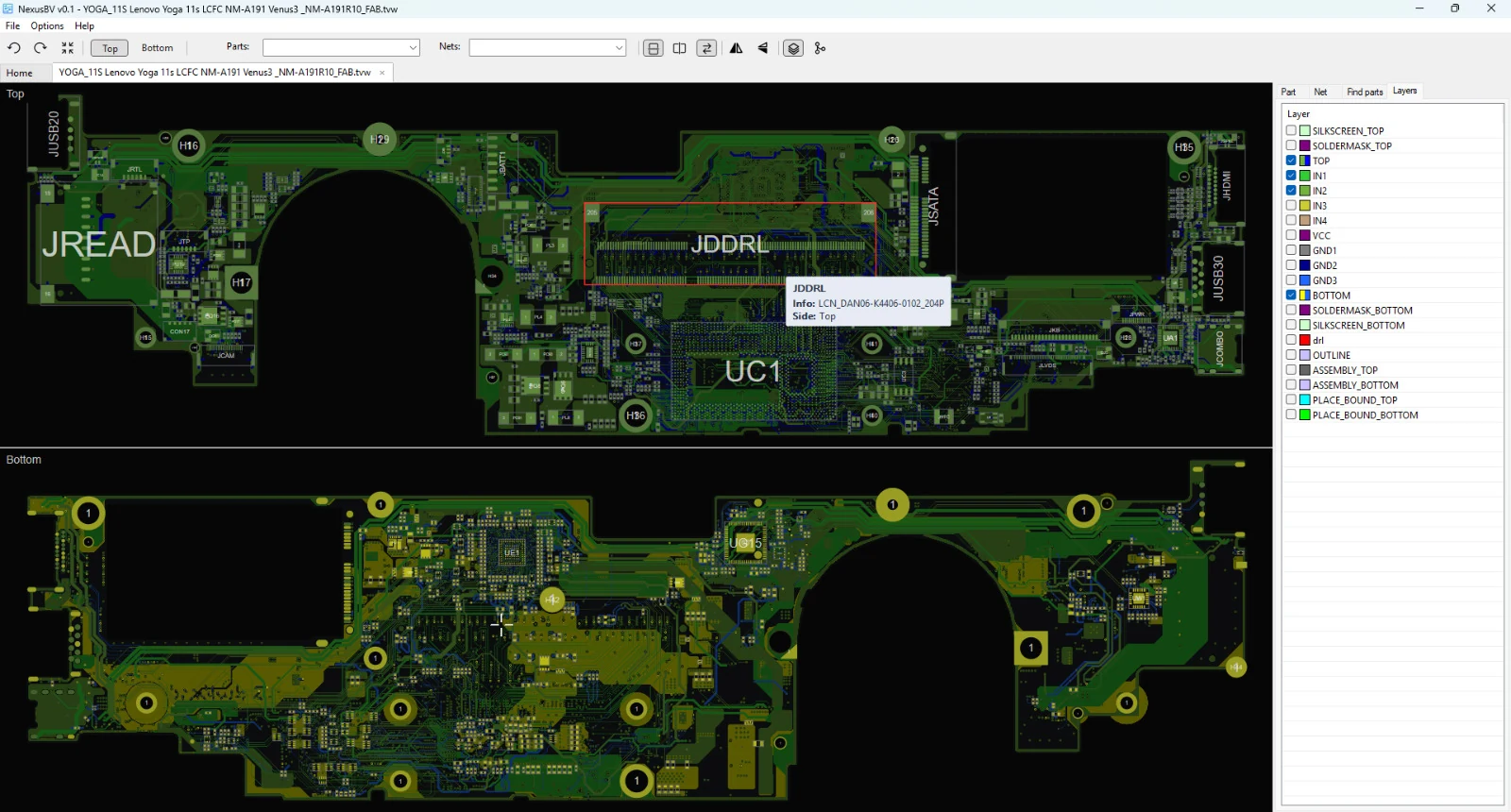
Download latest version: NexusBV 0.9.zip
Note: To prevent Windows Defender SmartScreen from blocking NexusBV, open the NexusBV.exe file properties and check Unblock.
Changelog:
v0.9 - 2026.09.20

EN:

- Added a dark UI theme and dark-mode rendering option for PDF pages (Options -> UI Theme)
- Added the Lock search results function to the PDF viewer
- Fixed quick indexed search for underscore separated words (existing index require Sync index)
- Improved BRD (Allegro, Landrex), GenCAD, GR, TVW, F2B, XZZPCB parsers
- Other minor fixes and improvements

RU:

- Добавлена тёмная тема интерфейса и опция отображения PDF-страниц в тёмном режиме (Options -> UI Theme)
- Добавлена функция закрепления результатов поиска в PDF вьювере
- Исправлен быстрый поиск по индексу для слов, разделённых символом подчёркивания (для существующего индекса необходимо выполнить Sync index)
- Улучшены парсеры: BRD (Allegro, Landrex), GenCAD, GR, TVW, F2B, XZZPCB
- Другие мелкие исправления и улучшения
Your suppport matters!
If you liked the software and would like to support ongoing development, you can do it via the following: Paypal: 9895@protonmail.com Sber: 2202208054229027 TON: UQAW9e8E_AICyUJO_wWPs0JzUowmFNT4hTxthgVqU-fKszbB BTC: bc1qhqzj6j30g9x6wgqx4kp3kxedp9ekwx5sxd6mdg ETH: 0xcC60A99B0F4279dC232376B383FFA1eA4fFD740d For other payment options, please contact me directly on Telegram: @beyondtimeandspace or via 9895@protonmail.com. Thank you ❤️Official group is on Telegram: https://t.me/+p2YoPidSSX9hOWI0.
Web version of the boardviewer (runs entirely in your browser; no files are uploaded): https://web.nexusbv.net.